
The Five Vector Formats You'll Meet Most
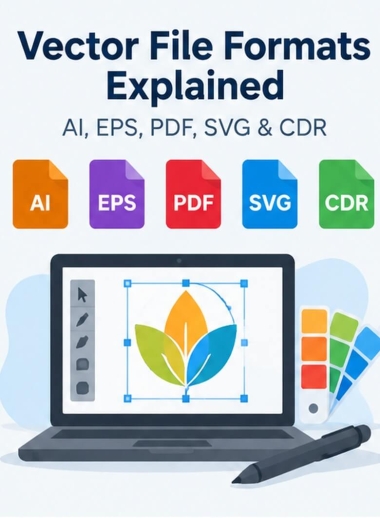
AI (Adobe Illustrator). AI is Illustrator's native working file. It keeps layers, editable text and artboards, which makes it the best master copy of a logo. Many print shops, sign makers and screen printers work in Illustrator, so it is often their first request. The drawback is that you need Illustrator, or compatible software, to edit it properly.
EPS (Encapsulated PostScript). EPS is an older format that almost every design and print program can open. That is why it became the standard "send us your logo" file for decades. It handles transparency poorly and is less convenient to edit than AI, but it is still a safe choice for vendors on older systems.
PDF (Portable Document Format). A PDF saved from a design program can keep the full vector artwork and open on any computer. That makes it ideal for proofs and for printers with PDF-based workflows. When you ask for one, ask for a "vector PDF" or "print-ready PDF", not a scan.
SVG (Scalable Vector Graphics). SVG is the web's vector format. Browsers display it directly, file sizes stay small, and it stays sharp on every screen. It is the right choice for a website logo and icons, and many vinyl cutters and laser engravers accept it. It is RGB-based, so it isn't the file to rely on for exact print colors.
CDR (CorelDRAW). CDR is CorelDRAW's native file. Some sign shops, engravers and garment decorators work in CorelDRAW and will ask for CDR. Like AI, it is an editable master file.
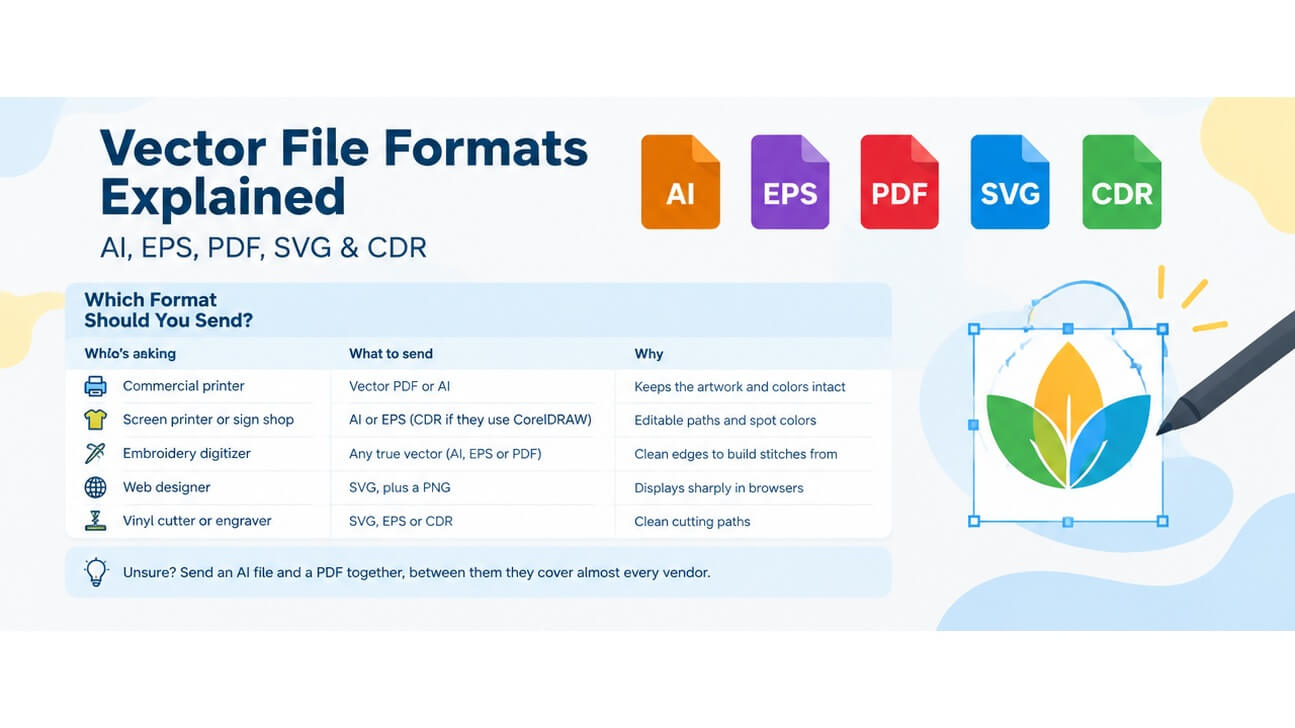
Which Format Should You Send?
Who's asking | What to send | Why |
Commercial printer | Vector PDF or AI | Keeps the artwork and colors intact |
Screen printer or sign shop | AI or EPS (CDR if they use CorelDRAW) | Editable paths and spot colors |
Embroidery digitizer | Any true vector (AI, EPS or PDF) | Clean edges to build stitches from |
Web designer | SVG, plus a PNG | Displays sharply in browsers |
Vinyl cutter or engraver | SVG, EPS or CDR | Clean cutting paths |
Unsure? Send an AI file and a PDF together; between them they cover almost every vendor.
What to Keep on File?
Keep a master set of your logo: AI for editing, EPS for compatibility, PDF for proofs, SVG for the web and a transparent PNG for everyday use. Store your font names and color values (Pantone or CMYK) with them. Then any vendor request takes seconds.
Only Have a JPG or PNG?
Renaming or re-saving a pixel image won't create a vector file. The artwork has to be rebuilt as paths. Auto-trace tools can handle very simple shapes, but logos with small text or fine detail usually need to be redrawn by hand.
That's the work we do at Mango Drawing. Every logo is redrawn manually, never auto-traced, and delivered in AI, EPS and PDF by default, with SVG, CDR and other formats available on request.
Need your logo in the right format? Get a vector conversion quote and send us whatever file you have.